Changing themes
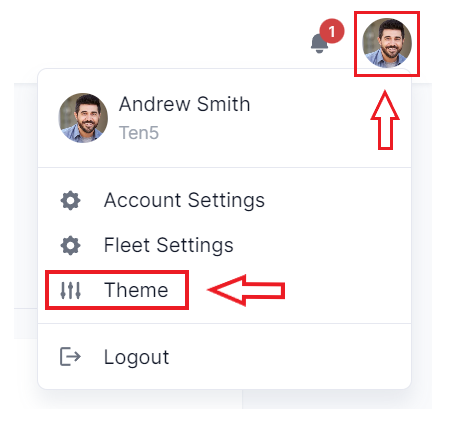
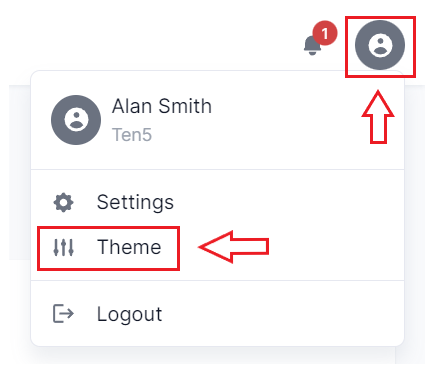
On the top right of the page, click on the user icon and select Theme.
On the Theme settings form, select the desired theme and click on the Save Settings button.
On the top right of the page, click on the user icon and select Theme.
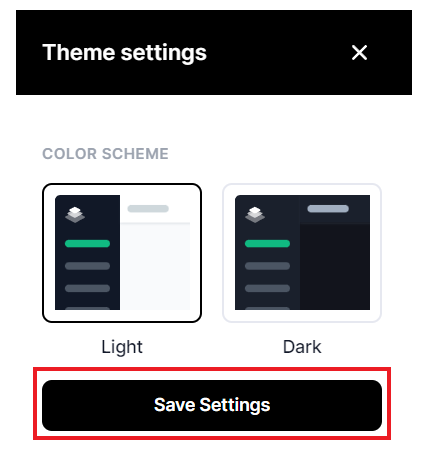
On the Theme settings form, select the desired theme and click on the Save Settings button.